There's a moment in learning where everything clicks. It doesn't happen because someone told you the answer, but because you finally saw how the pieces fit together.
That's the feeling we've been building toward. And it is now live in Kaiho.
We call them Interactive Lessons, but what they really are is a canvas that draws ideas out, step by step, right in front of you.
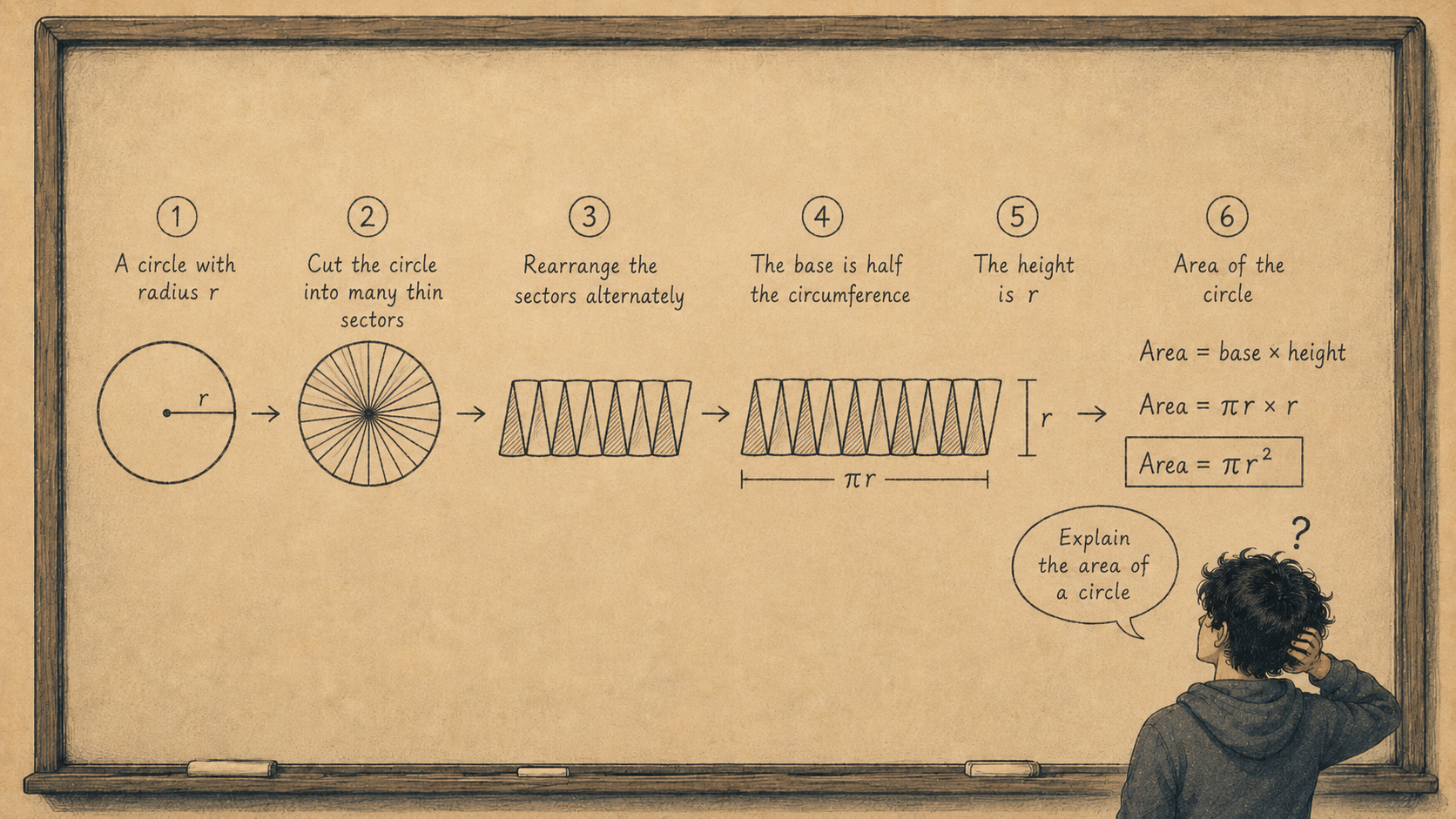
You can start by picking a pre-planned topic from our curated subjects, or you can type in any custom topic you want to learn about. The screen goes full. Then the lesson begins, not with a wall of text, but with a single shape appearing on a dark canvas. A label. An arrow. Another shape. The idea builds itself while a voice explains what is happening and why.
It is like watching someone think on a whiteboard, except this whiteboard knows what you are learning and adapts to where you are.
Here is what makes it different from reading a diagram in a textbook: the diagram does not exist yet when the lesson starts. It gets built as you go. First you see the setup. Then one piece is added and explained. Then another. Connections appear. Colors shift to highlight what matters. By the time the full picture is on screen, you already understand it, because you watched it come together.
This is deliberate. A finished diagram tells you what something looks like. A diagram being built tells you how it works.
Two ways in
You can choose how you want to learn.
Show Me is for when you want to sit back and watch. The lesson draws itself out and narrates the whole explanation. You listen, you watch, you absorb. It is the closest thing to having a brilliant tutor sketch out an idea for you on a napkin.
Guide Me flips it. The lesson asks you questions first. It might draw the first part of a diagram and then pause: "What do you think happens next?" You answer by voice or by typing, and the lesson responds. It adapts. If you are close, it builds on what you said. If you are off, it backs up and approaches from a different angle.
You can switch between the two at any time. Start by watching, then jump in when you are ready. Or start interactive and switch to watching if you just want the full picture.
What the canvas can actually do
This isn't clip art. The canvas draws real diagrams. It creates the kind of visual explanation your best teacher would draw on a board if they had infinite patience and perfect handwriting.
Flowcharts that build box by box. Labeled diagrams with callouts that appear right when they are being discussed. Side-by-side comparisons where two ideas are placed next to each other so you can see what is different. Timelines. Coordinate grids. Sequences that lay out a process from first step to last.
And everything appears gradually. Nothing lands on screen without being explained first.
Pick a curated subject, or ask anything
There are two ways to start a lesson.
The first is our curated library. We have built structured sessions across physics, chemistry, biology, mathematics, computer science, economics, psychology, and more. Each one has a set of topics that build on each other, and the visuals are designed around the concepts that matter most. When you pick a curated subject tile, the lesson unfolds exactly as described above, following a clear curriculum.
The second way is entirely open. Just type any custom topic you want to learn. "How does mRNA translation work." "Explain supply and demand with a graph." "What's the difference between TCP and UDP." The AI plans a lesson around your question, decides what to cover, what to draw, and in what order, and then teaches it on the canvas live.
Curated sessions are like chapters in a well-organized course. Custom sessions are like raising your hand and saying "can you explain this one thing to me?"
Both draw. Both narrate. Both adapt.
You can replay any session
Every lesson you take is saved. It is kept not just as notes, but as a full recording. You can scrub through it like a video, speed it up, turn subtitles on, and watch the whole thing play back. Every shape appearing, every label landing, every narration replaying in sync.
It is review that actually looks like the learning experience you had.
What this isn't
This is not about being flashy. It is not animation for the sake of animation.
The reason the canvas builds things step by step is because that is how understanding works. You don't learn a circuit diagram by seeing the whole thing at once. You learn it by seeing the battery first, then the wire, then the resistor, then the current, then the voltage. At each step, someone tells you why that piece matters.
That is all this is. The visual version of someone walking you through an idea, patiently, at your pace.
Interactive Lessons are live now in Learn. Open a curated subject or type a custom question, and let the canvas do the rest.